AI receptionist
Responds with your approved business information and receptionist script.
 AI Call Deck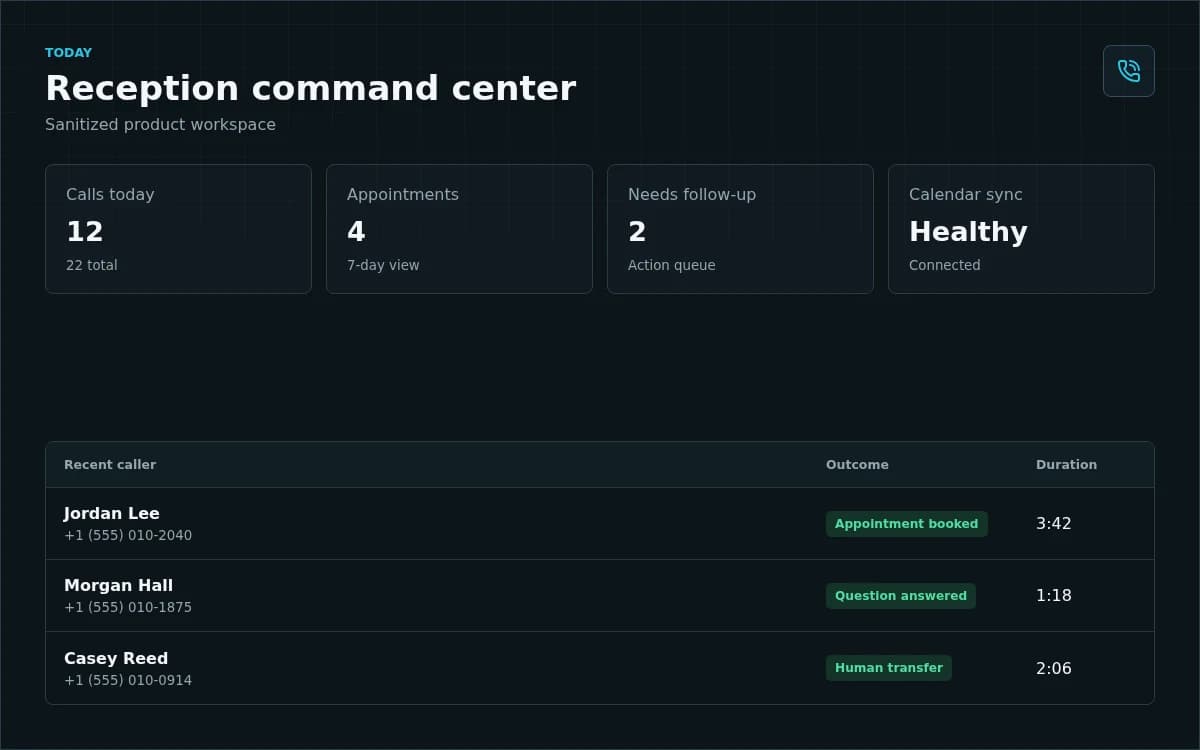
AI front office for local service businesses
Free call trial
To forward your existing business number to AI Call Deck, an administrator must assign an eligible paid package and your payment must be confirmed first.
See it before you decide
Application purpose
AI Call Deck helps a business answer customer phone calls when its team cannot. The AI receptionist uses information supplied by that business to answer routine questions, collect the caller's name and phone number, check the business's scheduling rules, create appointments, and transfer a caller to an available person.
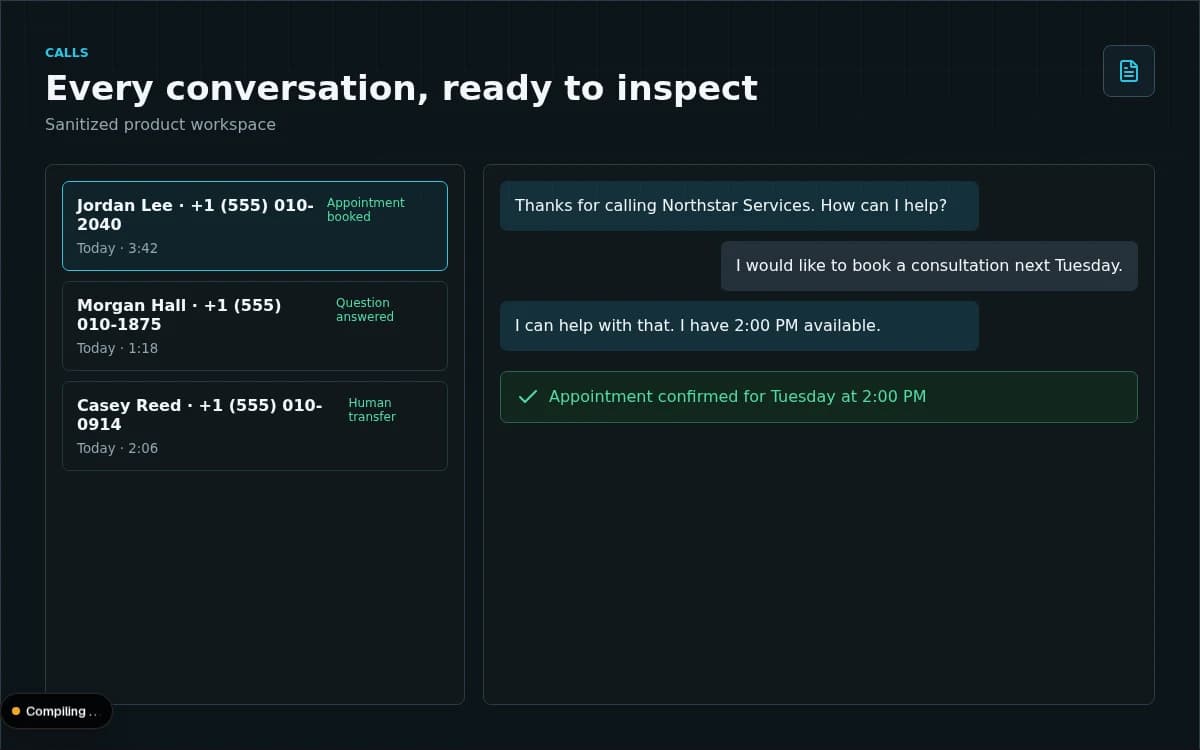
Authorized business users review calls, transcripts, appointments, transfers, and account usage in a tenant-isolated dashboard. Google Calendar is an optional integration used only to synchronize appointment events selected or created through AI Call Deck. See exactly how the integration works.
One reception workspace
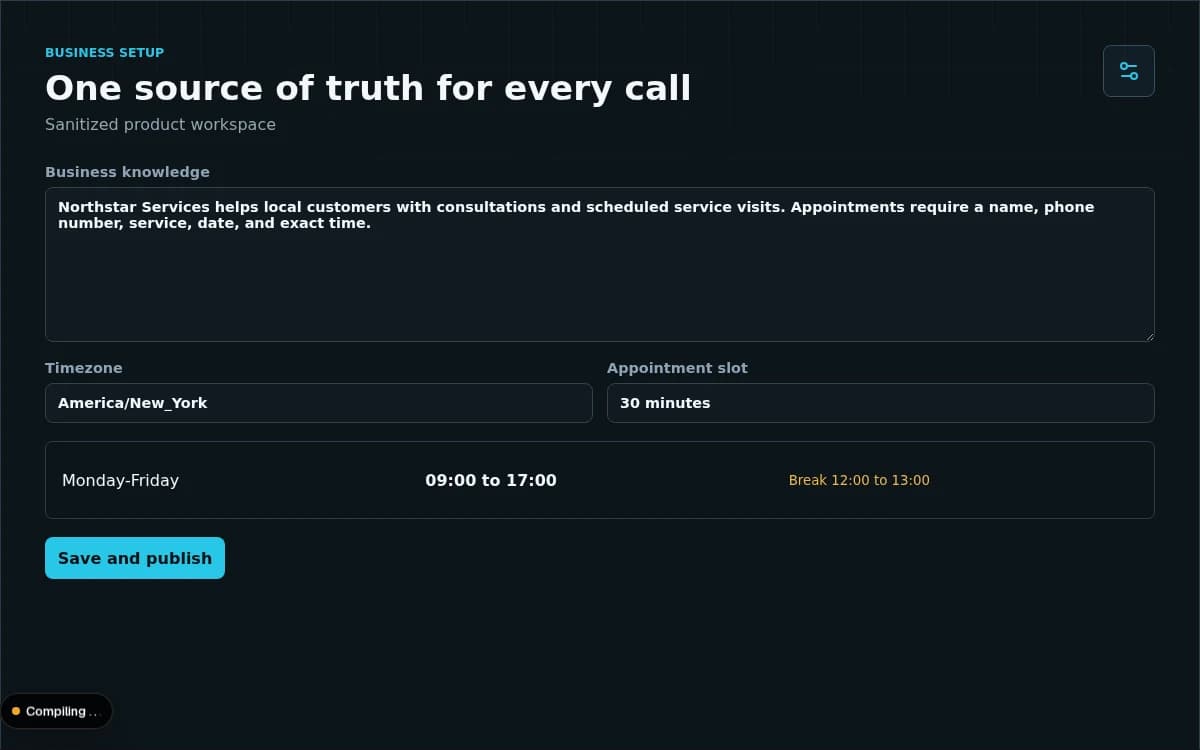
Responds with your approved business information and receptionist script.
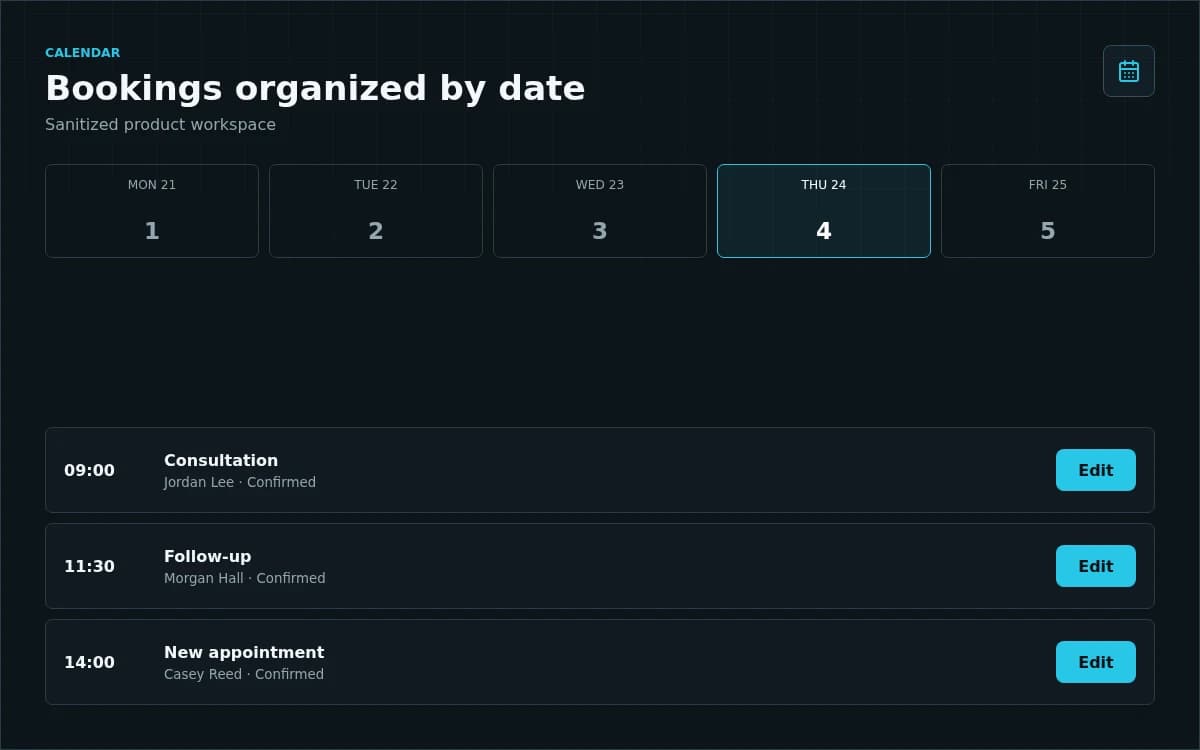
Creates, updates, and cancels connected Google Calendar events when bookings change.
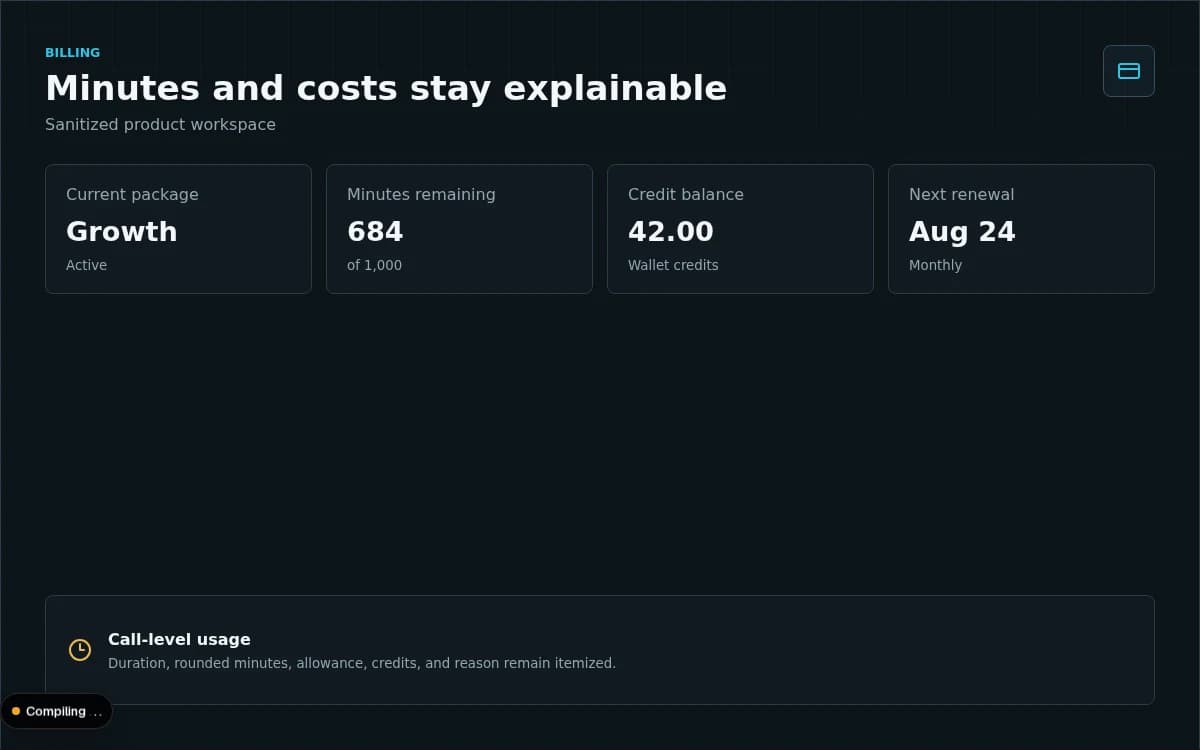
Review call transcripts, live activity, appointment outcomes, and account usage.
Let's talk about your calls
From ring to resolution
The realtime receptionist greets the caller using the business's own script.
Business context, services, hours, breaks, and policies guide the response.
Appointments are checked and saved, then synchronized when Google is connected.
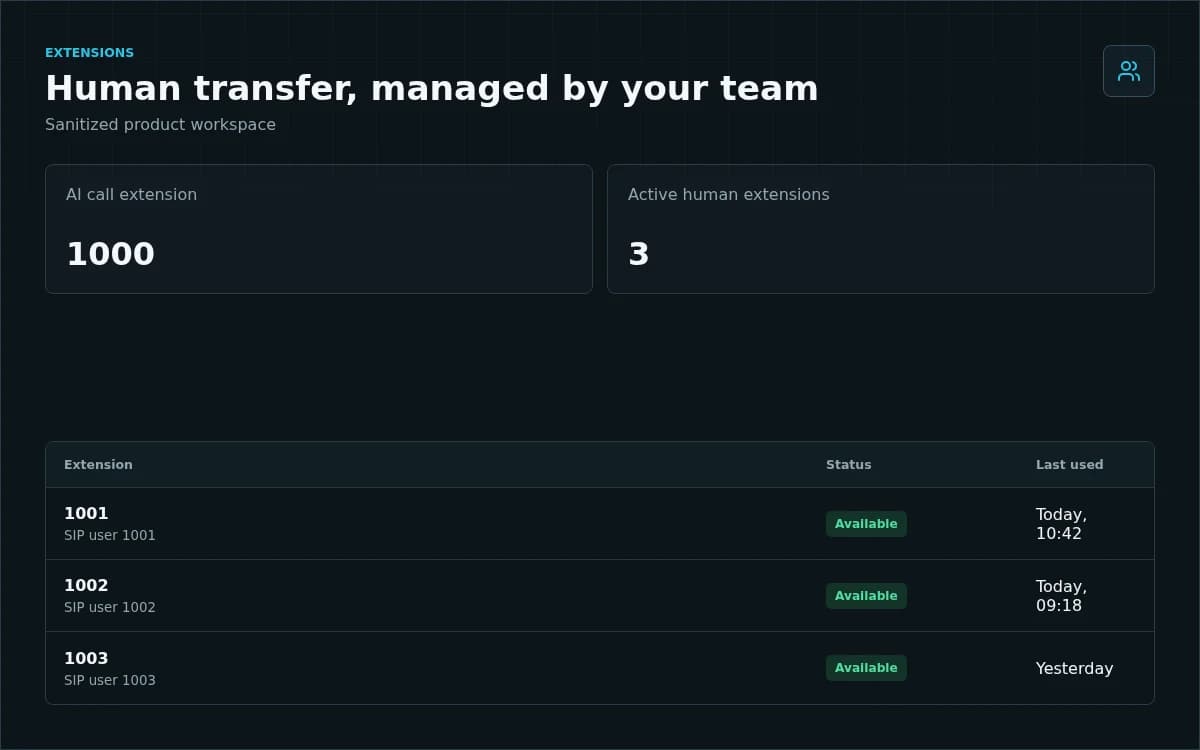
Human requests transfer to the business's dedicated extension.
Keep your number
Forwarding instructions depend on your carrier. Number availability varies by location and package eligibility.
Built for working teams
Pricing
More capacity for busy teams that cannot afford to miss demand.
A dependable AI front desk for growing local businesses.
High-volume coverage with the strongest included-minute value.
Common questions
No. You can forward calls from your existing business number to an assigned local number when one is available. Forwarding steps depend on your carrier. Human transfer uses your business's own active extensions.
Yes. Every tenant has an isolated business profile, call script, services, policies, timezone, opening hours, break hours, calendar connection, and extensions.
Appointments are still saved to the tenant's internal dashboard calendar. When Google Calendar is connected, appointment creation, changes, and cancellations synchronize automatically.
Yes. Each customer account receives a dedicated human SIP extension and credentials so the AI receptionist can transfer a caller to a person.
Google Calendar integration
A signed-in business user must deliberately select Connect Google Calendarbefore AI Call Deck requests access. The app uses the connected account's email to identify the connection and Calendar event access to create confirmed appointments, update them when they are rescheduled, and delete them when they are cancelled. It does not use Google user data for advertising or sell that data. The user can disconnect at any time. Read Google Calendar integration and our Privacy Policy for complete details.
Ready to shape your reception workflow?